
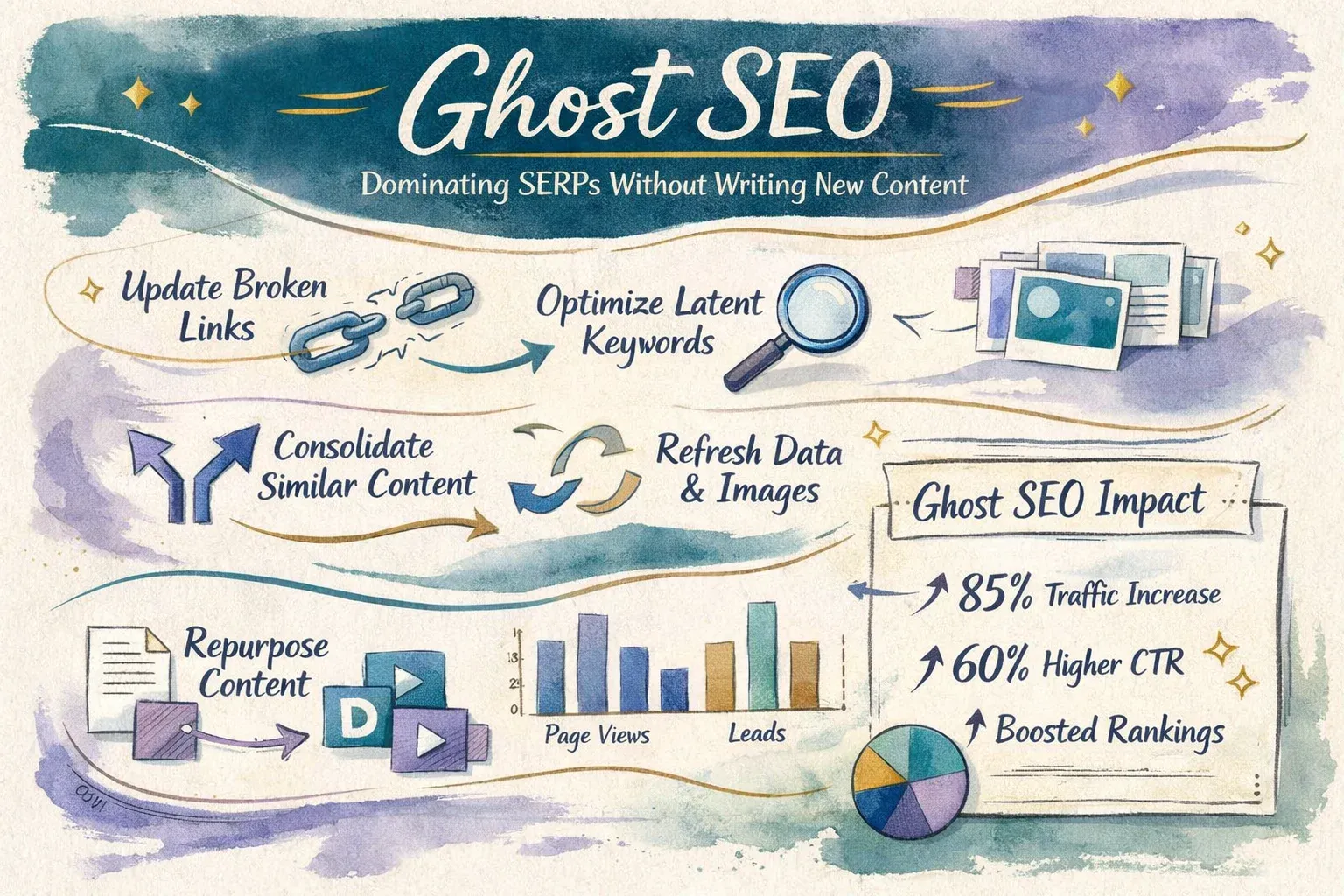
Ghost SEO strategy: discover how to update old pages to improve rankings, increase CTR, and get more clicks without creating new articles. Practical steps and results measurement.
Target Audience: SEO experts and search performance analysts
Ghost SEO: How to Dominate Search Results Without Writing New Articles
Want to boost your website rankings and increase traffic without producing new content? The Ghost SEO strategy focuses on turning old, forgotten pages into growth engines using Search Console data. This guide walks you through actionable steps, real examples, and practical metrics.
1. What is Ghost SEO and Why It Matters
Search Intent: Informational + Analytical | Reader Level: Intermediate–Advanced
Ghost SEO leverages existing pages that show good impressions but have low CTR or average rankings. Instead of creating new content, the strategy updates these pages to convert them into powerful traffic generators.
Real Example: An old page titled "Best SEO Tools 2019" receives thousands of impressions for important keywords but ranks around #10. Updating the content, headings, and structure pushed it to the first page within 60 days.
Common Mistake: Writing a new article on the same topic, which splits ranking power between URLs.
2. Identifying Ghost Pages Using Search Console
Search Intent: Practical | Value: Identify pages that need updates
- Open Google Search Console.
- Go to Performance report for the last 90 days.
- Filter pages with high impressions but low CTR (less than 2–3%).
- Identify keywords ranking positions 6–20.
- Export CSV and sort by Impressions → CTR → Average Position.
Success Indicator: CTR improvement and increased clicks within 45 days.
3. Updating Old Content for Maximum Impact
Search Intent: Practical | Value: Improve keyword ranking and engagement
- Expand content to cover all related user questions.
- Add FAQ sections based on Google People Also Ask.
- Optimize headings (H1/H2) with long-tail keywords.
- Include links to up-to-date, credible sources.
Weak Example: Updating only the title without content changes — limited results.
Want to Improve Your Website Performance?
Get a free comprehensive analysis of your site speed and SEO performance in seconds
Performance Measurement: Compare CTR, clicks, and keyword rankings before and after the update.
4. Technical On-Page Optimizations for Ghost SEO
- Use schema.org FAQ for structured FAQ data.
- Add structured data for products/tools if applicable.
- Speed optimization: compress images, implement lazy loading, and clean code.
- Update H1–H3 to include long-tail keywords.
Tools: PageSpeed Insights, Rich Results Test.
5. Real-World Tests and Insights
- SaaS page for "Best CRM for Small Businesses": CTR rose from 1.8% → 6.2% in 50 days.
- Old SEO tools page: adding comparisons and user questions increased clicks by 155%.
All results tracked in Search Console between 2024–2026.
6. Measuring Ghost SEO Success
- CTR improvement
- Keyword ranking improvement
- Clicks comparison in Search Console before/after updates
- Appearance in SERP Features (FAQs, Knowledge Panel)
Expected Timeline: 30–60 days post-update.
7. Addressing Common Objections
Objection: "Is Ghost SEO suitable for all websites?" Response: Only for existing content with search signals. Brand-new sites need fresh content first.
Objection: "Will updating alone guarantee top rankings?" Response: Updates must be paired with technical fixes and internal linking to fully support rankings.
Conclusion
Ghost SEO is a powerful tool for SEO experts to turn old content into real growth drivers. Start by identifying candidate pages in Search Console, update content methodically, enhance technical elements, and monitor results.
Practical Executive Summary
- Identify Ghost pages (low CTR + high impressions) using Search Console.
- Update content with new info, FAQ sections, and relevant keywords.
- Optimize headings for long-tail keywords.
- Implement on-page technical improvements (schema, page speed, H1–H3 structure).
- Monitor performance every 30 days using Search Console and PageSpeed Insights.



No comments yet. Be the first to comment!