
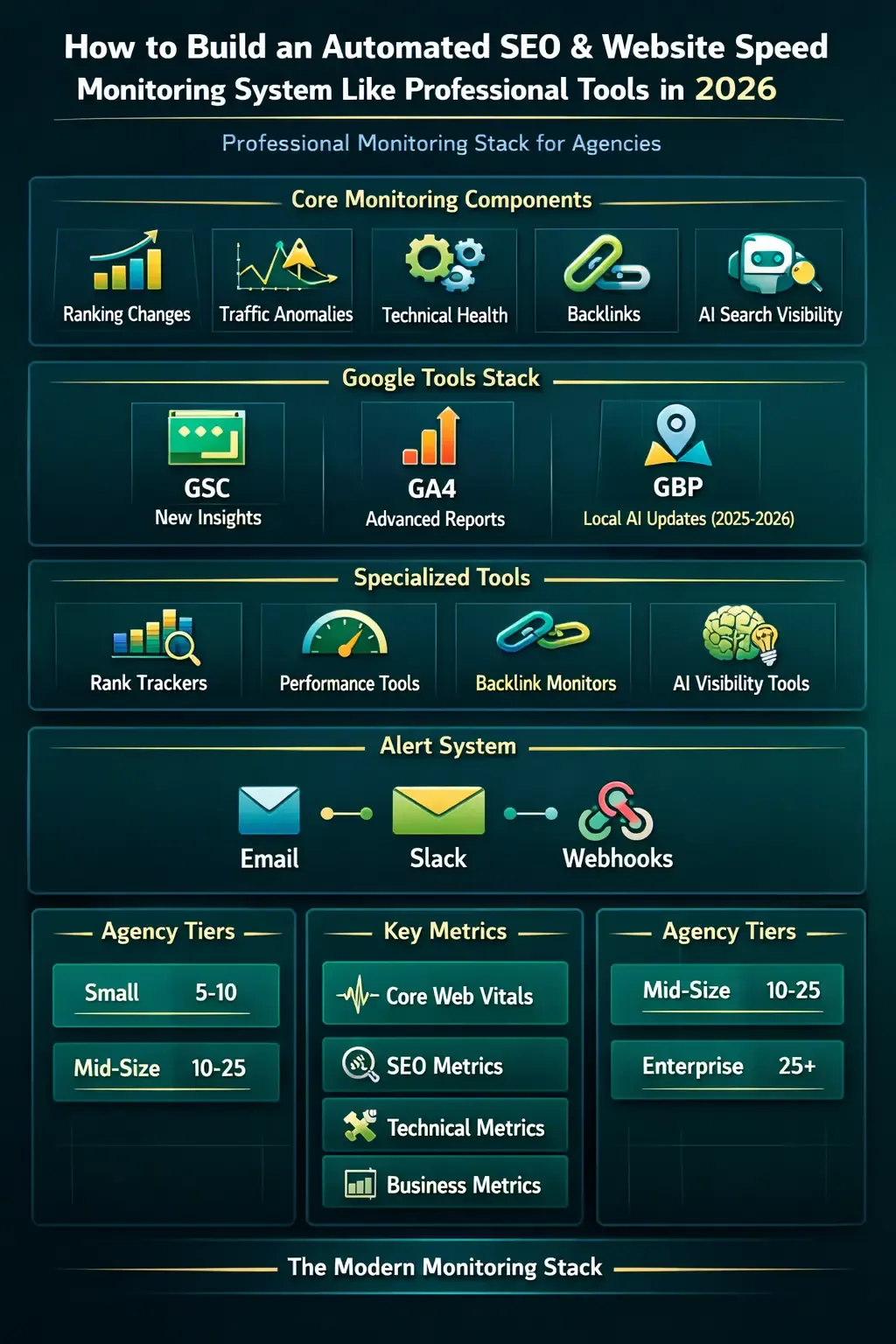
Modern websites evolve constantly, and search engine updates happen faster than ever. Manually auditing your site once a month is no longer enough. High-performing websites now rely on automated monitoring systems that detect performance issues and technical SEO problems as soon as they appear. In this practical guide, you’ll learn how to build your own automated monitoring workflow to track performance, detect issues early, and maintain strong technical SEO health.
Why You Need Automated Monitoring
- Detect speed problems immediately
- Monitor newly published pages
- Reduce technical issue detection time
- Adapt quickly to algorithm changes
Instead of discovering problems after losing traffic, automated monitoring allows you to identify technical issues before rankings are affected.
Core Components of a Professional Monitoring System
1. Scheduled Audits
Start by defining how often your site should be checked. Daily or multi-hour audits can be scheduled using server cron jobs.
0 */6 * * * php audit.php
This example runs an audit script every 6 hours to monitor site health continuously.
2. Speed Monitoring for Key Pages
Focus on your most important pages such as your homepage, landing pages, and high-traffic articles. Track:
- Server response time
- Total page size
- Number of HTTP requests
3. Technical SEO Checks
- Presence of meta title and description
- Canonical tag validation
- Heading structure (H1, H2)
- Robots meta directives
Building a Simple Audit Script
$response = file_get_contents("https://example.com"); if(strpos($response,"<title>") === false){ echo "Missing title tag"; }
You can gradually expand this script to include additional checks depending on your website structure and technical requirements.
Want to Improve Your Website Performance?
Get a free comprehensive analysis of your site speed and SEO performance in seconds
Adding Automated Alerts
A strong monitoring system should notify you when something breaks. Consider sending alerts through email or messaging platforms when:
- Page load time exceeds your threshold
- Critical SEO elements disappear
- A page returns a 404 error
Creating a Simple Monitoring Dashboard
Store audit results in a database and build a lightweight dashboard to visualize site performance over time. Useful metrics include:
- Average page speed trends
- Total technical errors detected
- Performance changes over time
When You May Need Advanced Tools
If your website contains hundreds of pages or changes frequently, a comprehensive SEO platform may become necessary. However, building your own internal monitoring system provides deep insight into how your site actually performs and helps you catch problems early.
Common Mistakes When Building Monitoring Systems
- Auditing too many pages too frequently
- Failing to store historical performance data
- Relying on a single performance metric
- Not testing scripts after updates
Practical Takeaway
Automated monitoring doesn’t have to be complex. Start with scheduled audits, track your most critical pages, add alerts for failures, and expand gradually. This approach gives you continuous visibility into your site’s performance and helps maintain strong speed and technical SEO stability.



No comments yet. Be the first to comment!