
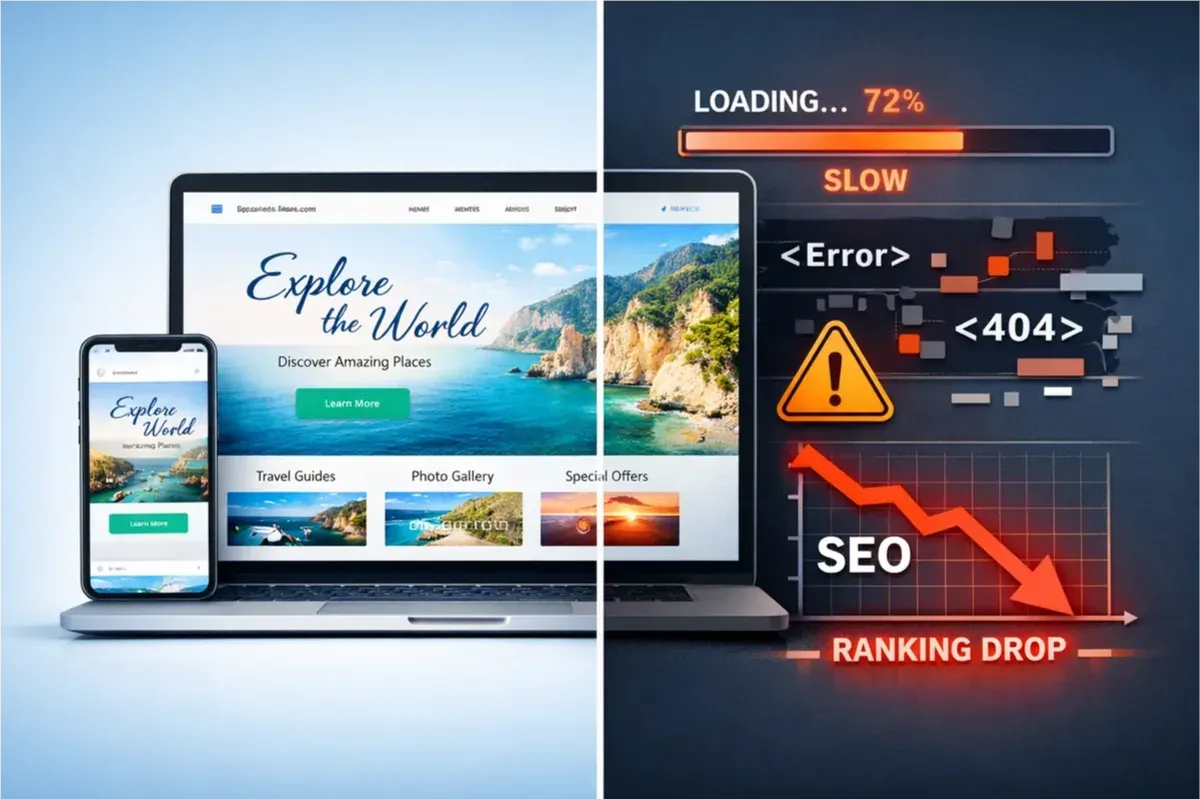
Many website owners assume that a visually stunning theme automatically leads to better user experience and higher search rankings. In reality, some themes prioritize design over performance, introducing heavy scripts, complex layouts, and excessive animations that slow down loading and negatively impact Core Web Vitals.
Visual Design Does Not Equal Performance
Modern themes often include large CSS frameworks, multiple JavaScript libraries, and built-in visual effects. While these elements can improve aesthetics, they increase page size and processing time, especially on mobile devices.
Signs Your Theme May Be Hurting SEO
- Slow loading pages despite good hosting.
- Poor Core Web Vitals scores such as high LCP or CLS.
- Too many network requests during page load.
- Delayed rendering of primary content.
- Weak performance on mobile devices.
Large DOM Structure and Its Impact
Some themes generate deeply nested HTML structures, resulting in large DOM trees. Browsers need more time to parse and render these elements, which increases loading time and reduces responsiveness.
Heavy Animations and Performance Issues
Continuous animations and complex visual effects consume CPU and GPU resources. On slower devices, this can cause lag and delayed interactions. Reducing unnecessary animations often leads to noticeable performance improvements.
Want to Improve Your Website Performance?
Get a free comprehensive analysis of your site speed and SEO performance in seconds
Popups and Their Effect on CLS
Unexpected popups or layout changes during loading can increase CLS scores and create unstable user experiences. Stable layout rendering is critical for both usability and SEO performance.
How to Test Your Theme in Practice
- Create a simple test page with static content.
- Measure performance using a free speed testing tool.
- Switch temporarily to a lightweight theme.
- Run the same performance tests again.
- Compare load times, DOM size, and network requests.
Lightweight vs Heavy Theme Comparison
- Lightweight Theme: fewer files, smaller DOM, faster loading.
- Heavy Theme: multiple scripts and visual effects.
- Interactivity: lightweight themes respond faster.
- Mobile Experience: more stable with minimal themes.
Tips for Choosing a Balanced Theme
- Prioritize performance over visual complexity.
- Avoid themes with excessive built-in plugins.
- Check CSS and JavaScript file sizes before installation.
- Test on mobile devices before going live.
- Monitor Core Web Vitals regularly after deployment.
Conclusion
A visually appealing theme can still harm your SEO ranking if it introduces unnecessary complexity or heavy resources. By testing and comparing different themes, you can achieve a balance between modern design and fast, stable performance.


No comments yet. Be the first to comment!