
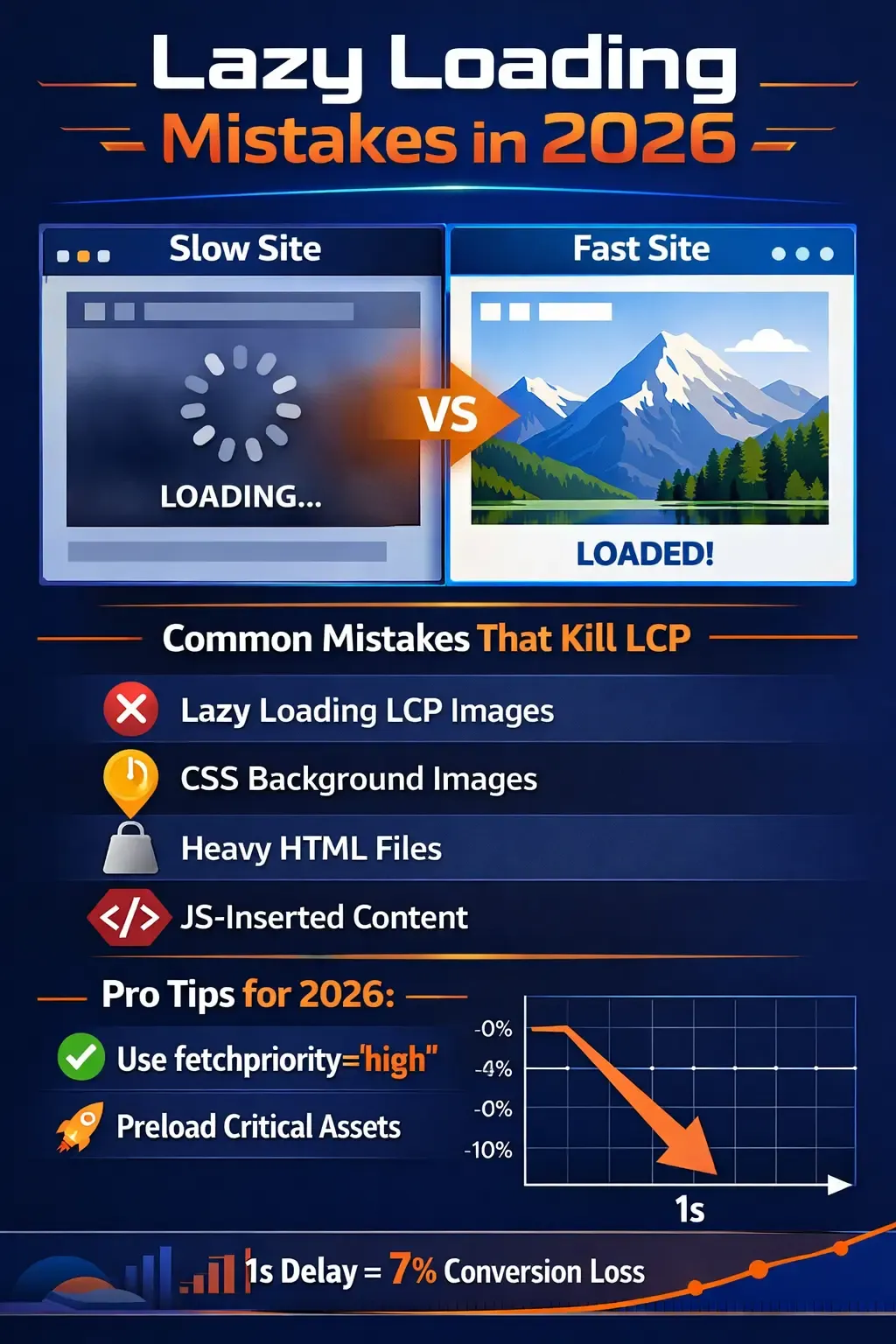
Lazy Loading is widely used to speed up websites, but incorrect implementation in 2026 has become one of the main causes of slow page load and poor Core Web Vitals. Many themes and plugins apply Lazy Loading automatically to all elements, which can delay critical content instead of accelerating it.
What is Lazy Loading?
Lazy Loading defers the loading of images or elements until they are near the viewport, reducing initial requests and saving bandwidth.
<img src="image.webp" loading="lazy">
Mistake #1: Lazy Loading the Hero Image
The main hero image is often the LCP element; deferring it delays the appearance of the main content.
<img src="hero.webp" loading="lazy">
Correct approach:
<img src="hero.webp" loading="eager" fetchpriority="high">
Mistake #2: Lazy Loading Above-the-Fold Elements
- First visible sections
- Main headings
- Cards in the viewport
This makes the page appear empty for seconds, hurting user experience.
Want to Improve Your Website Performance?
Get a free comprehensive analysis of your site speed and SEO performance in seconds
Mistake #3: Lazy Loading Slider Images at the Top
When the first slide is lazy, critical visual content is delayed.
<img src="slide1.webp" loading="eager">
Mistake #4: Lazy Loading All Images Automatically
Some plugins apply lazy loading to all images without exceptions, affecting above-the-fold images.
Mistake #5: Lazy Loading Critical iframes
- Signup forms
- Primary tutorial videos
- Interactive above-the-fold elements
Impact on Core Web Vitals
- LCP: Delayed main element loading
- CLS: Layout shifts from late loading
- INP: Delayed first interaction
How to Detect Issues
- Use DevTools to monitor above-the-fold images
- Identify the LCP element
- Test removing lazy loading from the first element and compare results
When to Use Lazy Loading
- Below-the-fold images
- Long content
- Galleries or secondary images
When to Avoid Lazy Loading
- Hero image
- Above-the-fold elements
- Main headings
- Critical first interactions
Practical Example
<img src="hero.webp" loading="eager" fetchpriority="high"> <img src="gallery1.webp" loading="lazy"> <img src="gallery2.webp" loading="lazy">
Conclusion
Lazy Loading is powerful when applied correctly. Blindly applying it can slow your site and delay LCP instead of improving it. The key is to load critical elements immediately and defer secondary content only.



No comments yet. Be the first to comment!