
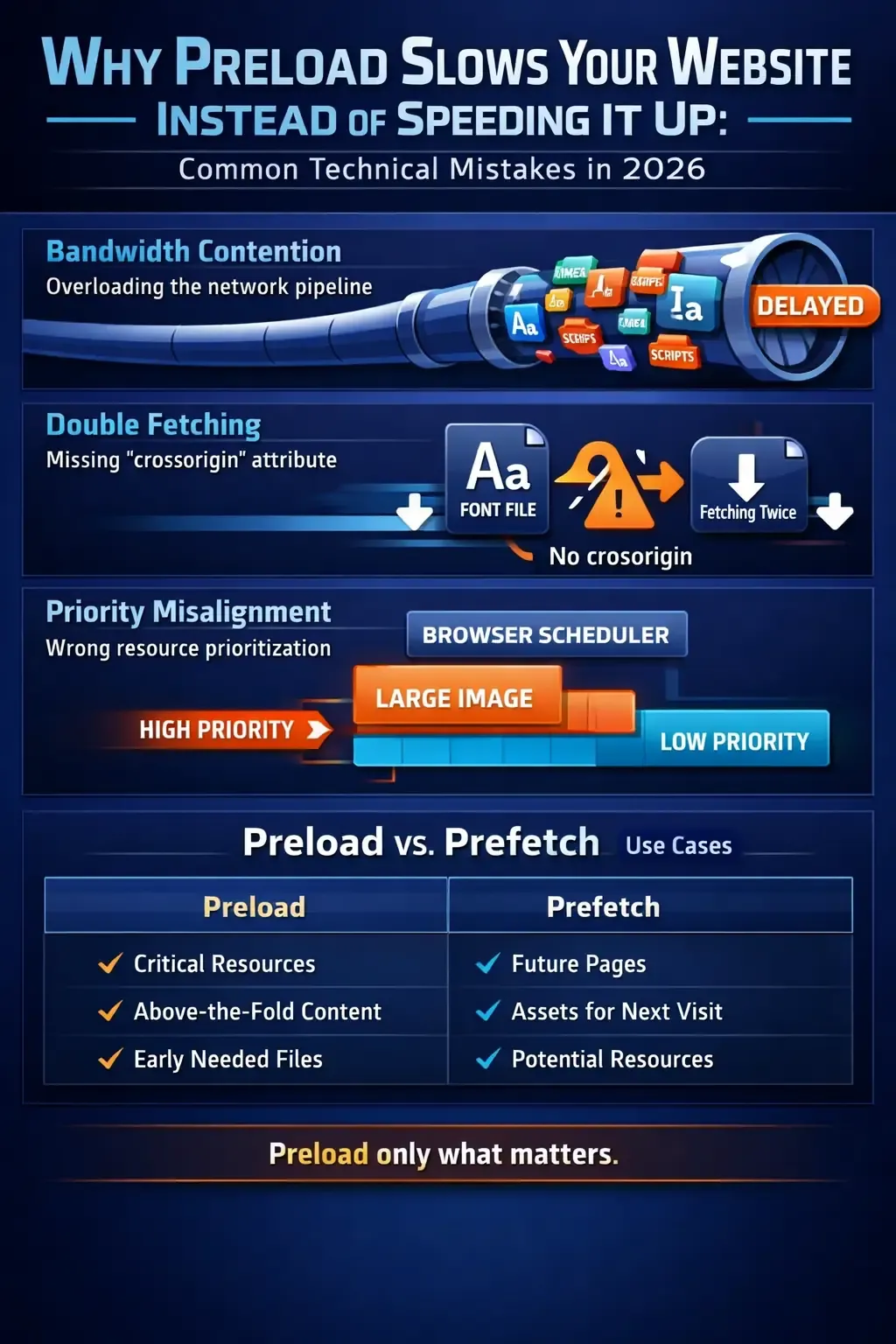
يُعتبر Preload أداة قوية لتحسين سرعة تحميل الصفحات، لكنه قد يسبب مشاكل إذا لم يُستخدم بشكل صحيح. في هذا المقال، سنستعرض أهم الأخطاء التقنية الشائعة في 2026، ونوضح كيفية تصحيحها عمليًا.
1. تحميل موارد غير ضرورية
الكثير من المواقع تستخدم Preload لكل الخطوط أو السكريبتات دون تمييز الأهم. النتيجة:
- استنزاف عرض النطاق الترددي للمستخدم
- زيادة وقت التحميل الأولي
- تأثير سلبي على Core Web Vitals
2. ترتيب Preload غير صحيح
تحميل ملفات أقل أهمية قبل الملفات الحرجة (CSS الأساسي أو الخط الرئيسي) يؤدي إلى:
- تأخير عرض المحتوى الرئيسي
- تراجع تقييم Largest Contentful Paint (LCP)
3. Preload مع ملفات كبيرة الحجم
مثال: preload صورة كبيرة أو سكريبت ضخيم قد يبطئ الصفحة بدل تسريعها. الحل:
- ضغط الصور وملفات JS
- تحميل غير المهم lazy-load
4. تكرار Preload لنفس المورد
أحيانًا يضيف المطورون نفس المورد أكثر من مرة في Preload، ما يضاعف الطلبات ويزيد زمن التحميل. الحل:
- مراجعة جميع الوسوم <link rel="preload">
- تأكد من عدم تكرارها
هل تريد تحسين أداء موقعك؟
احصل على تحليل مجاني وشامل لسرعة موقعك وأداء SEO في ثوانٍ
5. استخدام Preload مع موارد غير مدعومة
بعض المتصفحات تتجاهل موارد معينة عند preload مثل بعض الخطوط أو سكريبتات خارجية. هذا يؤدي إلى:
- عدم استقرار الأداء
- تأثير سلبي على تجربة المستخدم
الحل: اختبار Preload على جميع المتصفحات الشائعة.
نصائح عملية لتطبيق Preload بشكل صحيح
- حدد الموارد الحرجة فقط للتحميل المسبق
- تأكد من ترتيب Preload حسب الأولوية (CSS > الخطوط > JS)
- ضغط الموارد قبل Preload
- اختبر الأداء عبر أدوات مجانية مثل PulsrWeb
- تجنب التكرار أو الموارد الكبيرة غير الضرورية
خلاصة
Preload يمكن أن يحسن سرعة موقعك بشكل كبير إذا تم استخدامه بذكاء. الأخطاء التقنية الشائعة غالبًا ما تتسبب في البطء بدل التسريع. باتباع هذه الخطوات العملية، ستضمن تحميل أسرع، تجربة مستخدم أفضل، وتحسين ترتيب موقعك في محركات البحث لعام 2026.



لا توجد تعليقات بعد. كن أول من يعلق!